Android | iOS

Website blocker

Empower your day with website blocker software designed for real focus.

Phone
Featured in
Featured in
TC
USA
MUO
Forbes

What could you achieve without distractions?

Take back control of your time and finally finish the projects you start.
Join thousands using AppBlock – one of the best website blocker software solutions for blocking distracting apps and websites.

Manage your time online

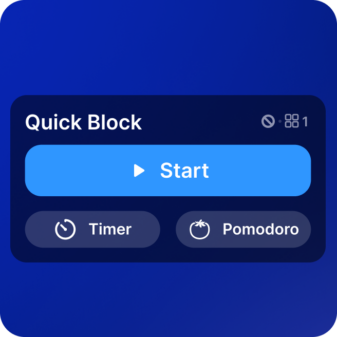
Instant focus, no excuses

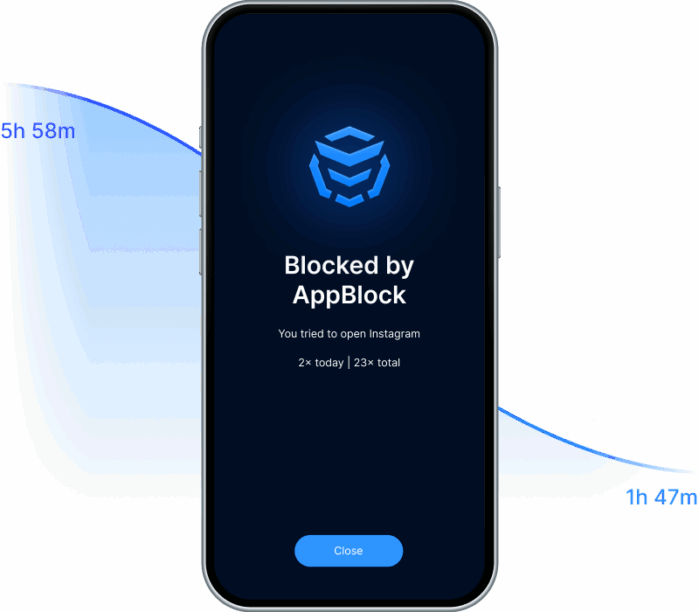
Block distracting apps and sites with one tap. Maximum productivity and zero loopholes.

Strict Mode = real discipline

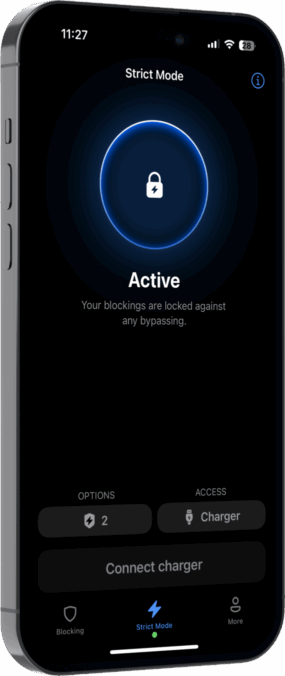
Turn on Strict Mode and AppBlock locks your settings. Pure focus with no way to cheat.

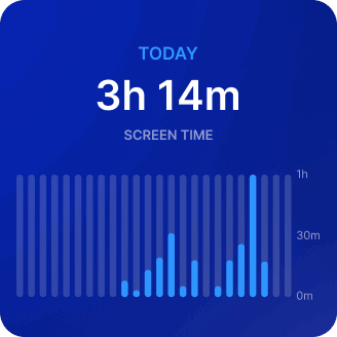
Track your progress and stay motivated

Monitor your screen time and see how your productivity improves over time.

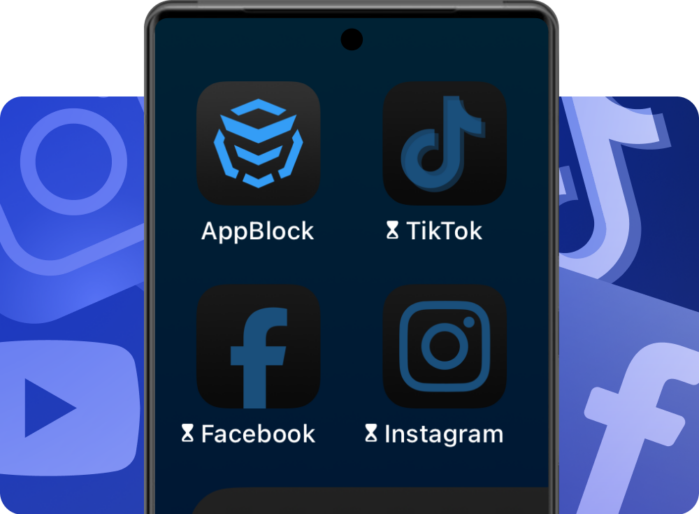
From YouTube spirals to pages you’d rather not admit - these sites hijack your focus. Block them and reclaim your time.

Protect your time and attention

Some pages secret drain your time and clarity more than you’d ever admit out loud.

These aren’t harmless habits – they chip away at your productivity, your relationships, and your mental space.

AppBlock helps you break the cycle. Cut off the sites that keep derailing your day and make room for the things that actually make your life better.

No matter your role, focus is your advantage.

Don’t scroll your life away. Limit distractions, not your potential.

Students: Stay locked into study sessions, finish assignments on time, and enjoy your free time without guilt.
Professionals: Hit deadlines, work efficiently, and keep your evenings free from unfinished tasks.
Parents: Give your kids healthier digital habits – without daily battles over screen time.


55%
of our customers can't imagine their life without Strict Mode.
63%
less screen time in the first month with Strict Mode.
– According to AppBlock questionnaire
Mobile Mobile

Reclaim your focus

See how fast you stay on task when distracting sites and apps disappear from your day.
Need stronger control? Unlock all advanced website-blocking features with Premium – free for 7 days, no commitment.
Available for both Apple and Android.

FAQ

How to block websites?

There are two main ways to block websites: blocking specific URLs or blocking keywords for mass restriction.

Blocking Specific URLs

This method allows you to block only the specified links, making it ideal for restricting access to particular websites like facebook.com, twitter.com, reddit.com, or youtube.com.

Steps to block specific URLs:

  1. Create a Schedule or QuickBlock as you normally would.
  2. In the step where you select applications, tap on Webs at the top.
  3. Enter the URL of the website you want to block or select one from the suggested list. Only the part before the slash (/) is recognized.
  4. Repeat this process to block additional URLs.
  5. Save your settings.

Note: You can block both websites and apps within the same schedule. Simply configure apps first, then switch to the Webs tab, set it up, and save.


Blocking Websites Using Keywords

If you want to block many similar websites or include search results, blocking by keywords is the way to go. Keywords are checked in the domain of the URL (before the slash by default). If you’d like the keyword to apply to the entire URL, change the setting from “In domain” to “Anywhere in URL.”

Steps to block websites using keywords:

  1. Create a Schedule or QuickBlock as usual.
  2. In the step where you select applications, tap on Keywords at the top.
  3. (Optional) For more details about how keywords work, tap the info bubble on the top right.
  4. Type in the keyword you want to block. You can also select from a suggested list. To block the keyword across the entire URL, select the Anywhere in URL option.
  5. Repeat the process to add more keywords.
  6. Save your settings.

Editing Keywords

Predefined websites in the initial list cannot be edited; they can only be selected or unselected.To edit a keyword, hold the item and select Edit keyword.

Adult content

How to block adult content?

To block adult content:

  • Enable “Adult Content Blocking” feature. This feature is available in the Extra Options of Schedules or Quick Block.
  • Turn it on in the Schedule or Quick Block where you want it applied.
  • Remember, this feature works only while the selected Schedule or Quick Block is active.
  • If you want it enabled across all Schedules, make sure to turn it on in each schedule individually.

First time setup:
When enabling this feature for the first time, wait for the database of blocked websites to load to 100%. Avoid leaving the AppBlock app during the loading process to ensure proper setup.

Once enabled, adult content websites will be inaccessible based on your active schedules or Quick Block settings.

Please note that this feature cannot block adult content on Google Images or any adult content apps. It operates by blocking URLs listed in our database. If you encounter an adult content website that isn’t being blocked while the porn-blocking feature is enabled, feel free to contact our support team and request that the website be added to our 18+ URL database.

Do you have AppBlock for PC/macOS?

Currently, we don’t have a dedicated desktop app, but we do offer Chrome, Edge, and Safari extensions to help you stay focused and manage distractions while browsing the web. These extensions allow you to block distracting websites and create a more productive online environment.

Simply
motivating

Our users truly appreciate the benefits that AppBlock brings them. Start your journey and empower your life.

Worldwide ratings 115K+
Helping 10 000 000 + success stories
Average rating 4.86

“I think we have a habit of opening phone and tap on Instagram because you’re waiting for the elevator or you’re waiting for coffee and it’s natural thing to do. So AppBlock is help me a lot.”

Marianna Hewitt Marianna Hewitt on 9 to 5 with theSkimm podcast

AppBlock has quite literally changed my life! I have: Regained my focus, Built a workout routine, Read 13 books in 3 months, Reached new career milestones, Ditched the dopamine 1st routine. All thanks to the gift of this app, and its iron-clad Strict Mode.

Shavy Jaine direct message on LinkedIn

Really helps me study and stay active I love this app Whoever is seeing my message install the app now its very useful for me to stay active Bye 😁

Jokha Al Zakwani 5 star review on Google Play

Really amazing app to help eliminate distractions for people living w/ADHD, as we’re especially vulnerable to technology addiction & the dopamine-inducing tactics of Big Tech

J.J. 5 star review on AppStore
Featured in
TC
USA
Forbes
MUO
PH

Join 10M+ users who took control

Download AppBlock for iOS today!

Worldwide ratings 115K+
Helping 10 MILLION SUCCESS STORIES
Average rating 4.86
We use cookies!
We use cookies for the best website functionality, which we process according to our privacy policy. More information about cookies can be found here.