
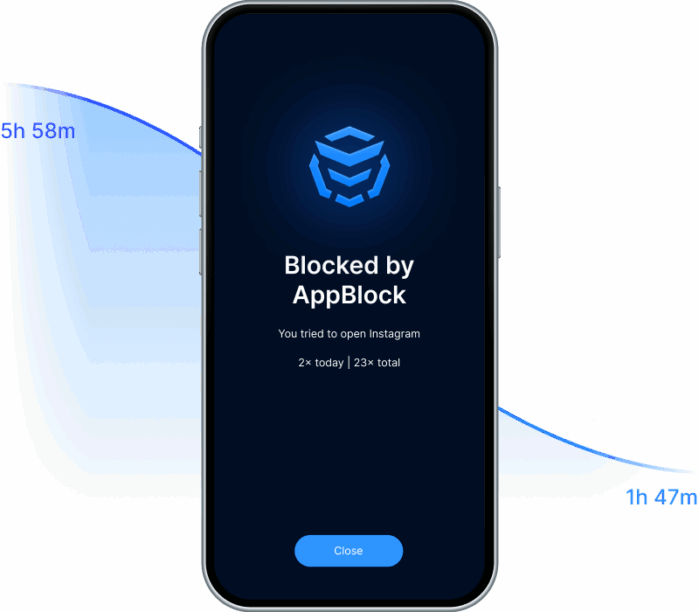
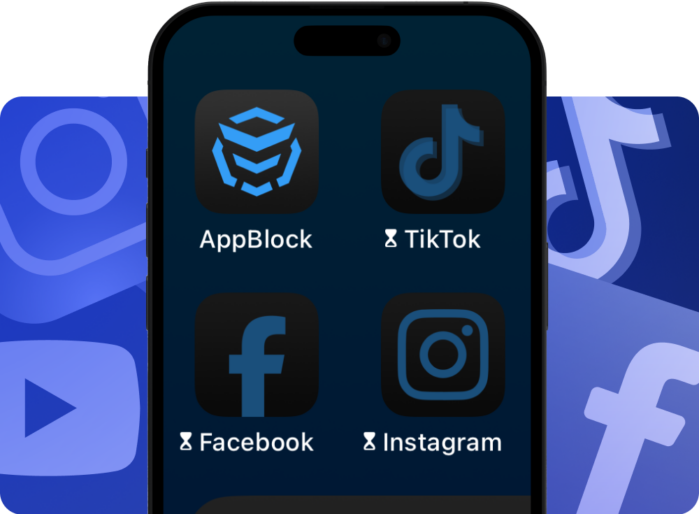
Android | iOS

App that blocks websites and apps

Take back your time. Block distractions. Stay in control.

Phone
Featured in
Featured in
TC
USA
MUO
Forbes

Block what holds you back

Free yourself from distractions and gain back hours for what truly matters. AppBlock blocks websites and apps that pull you away from your goals. 

What do you gain by blocking distractions?

Peace and focus
Peace and focus

Enjoy an uninterrupted environment free from constant pings and notifications.

More time for yourself

Free up hours for work, study, family, or rest.

Better productivity
Better productivity

Stay on task, finish what matters, and achieve your goals faster.

Healthier digital balance

Build a mindful relationship with technology and make more room for real life.

Block distractions anywhere you need

Use AppBlock on all your devices — mobile or desktop.
On your phone, it works for both Android and iOS.
On your computer, simply add the browser extension to Google Chrome, Microsoft Edge, or Brave.


Block distracting sites and apps anytime, anywhere — whether you’re at home, in the office, or on the go.

Don’t get lost in digital noise

Staying focused online has never been harder. Notifications, endless scrolling, and social media loops drain your time and energy. Without clear boundaries, procrastination wins.
With AppBlock, you silence distractions and take back control of your attention.

More than just website blocking

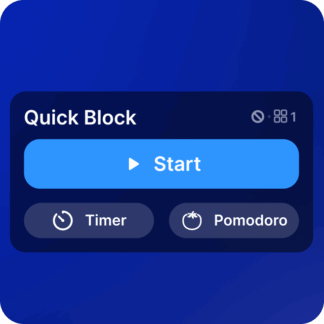
Quick Block

Quick Block

Instantly block websites and apps with one tap when you need peace.

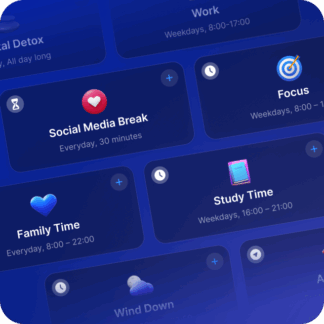
Schedules

Schedules

Automate blocking at specific times for work, study, or relaxation.

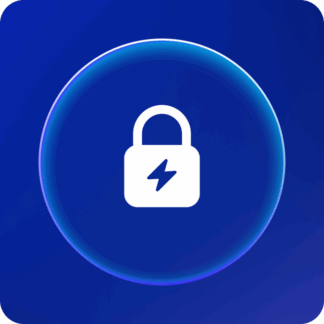
Strict Mode

Strict Mode

Prevents you from disabling blocks during focus sessions.

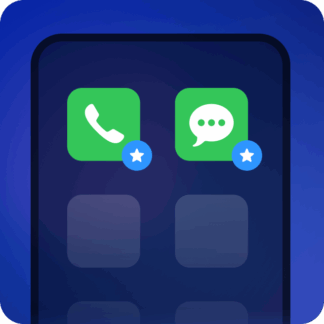
Allowlist

Allowlist

Keep access to important sites and apps (like maps or work tools).

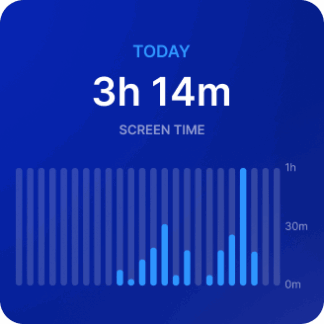
Statistics

Statistics

See your screen time drop and productivity rise.

Block only what distracts you — keep what matters.

Everyone has their personal “time traps”. And since we use devices for work and learning, going completely offline isn’t realistic.
The smart move? Block only what tempts you most.

Don’t scroll your life away. Limit distractions, not your potential.

55%
of our customers can't imagine their life without Strict Mode.
63%
less screen time in the first month with Strict Mode.
– According to AppBlock questionnaire
Mobile Mobile

How AppBlock works

  1. Choose what to block
    Select the websites and apps that distract you the most.
  2. Set time schedules
    Decide when the block should activate — during work, study, or rest.
  3. Activate and track your progress
    AppBlock takes care of the rest so you can focus on what really matters.

Set your screen limits.
For everything you want to achieve instead.

Students

Block study-time distractions, reduce procrastination, and stay focused with schedules and Strict Mode.

Professionals

Protect deep work by blocking distracting apps and websites during meetings, projects, or focus sessions.

Parents

Set healthier screen time boundaries and block distracting or inappropriate content for safer digital habits.

Download AppBlock today and start blocking distractions in minutes.

Ready for a change?

Available for both Apple and Android. Start simple and build a calmer digital routine step by step.

FAQ

Can AppBlock block both websites and apps?

Yes. AppBlock lets you block distracting websites and apps across your devices. You can use it to limit social media, video platforms, games, news sites, shopping pages, adult websites, or any other digital distraction that makes it harder to stay focused.


What makes AppBlock different from a basic website blocker?

AppBlock is more than a simple website blocker. It combines website blocking, app blocking, automated schedules, Strict Mode, Allowlist Mode, usage limits, statistics, and advanced screen time controls. This makes it useful not only for quick focus sessions, but also for building healthier long-term digital habits.

Can I block specific URLs, keywords, or distracting parts of apps?

Yes. AppBlock can block websites, specific URLs, keywords, and selected distracting features inside apps. On Android, it can also help limit high-distraction sections such as Instagram Reels, YouTube Shorts, or Snapchat Stories, so you can avoid the most addictive parts without always blocking the entire app.

What is Strict Mode in AppBlock?

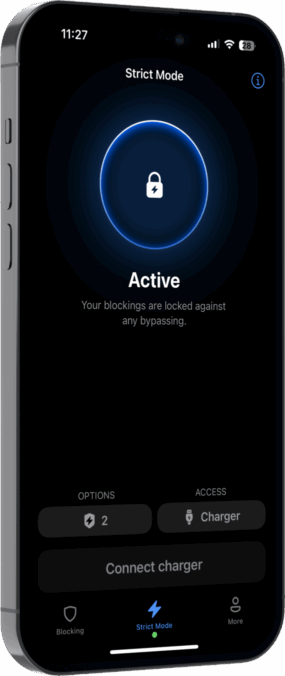
Strict Mode is designed to make blocking harder to bypass. When it is active, it becomes much more difficult to disable blocks, change settings, or uninstall the app during moments of temptation. This helps you stay committed when willpower alone is not enough.

Can I schedule app and website blocking automatically?

Yes. AppBlock lets you create custom profiles for different parts of your day, such as Work, Study, Sleep, or Family Time. These profiles can activate automatically based on time, day of the week, location, or connected Wi-Fi, so you do not have to turn blocking on manually every time.

What is Allowlist Mode?

Allowlist Mode blocks everything except the apps and websites you choose to keep available. It can turn your smartphone into a simpler, dumbphone-like setup where only essential tools remain accessible, such as calls, messages, maps, banking, or work apps.

Can AppBlock block Instagram Reels, YouTube Shorts, or similar distractions?

On Android, AppBlock can block selected high-distraction sections inside some apps, such as Instagram Reels, YouTube Shorts, or Snapchat Stories. This gives you more precise control when you do not want to block the entire app, but still want to avoid its most addictive parts.

Does AppBlock track screen time and progress?

Yes. AppBlock includes statistics and reports that show how much time you spend on apps and websites. These insights help you understand your habits, see where your time goes, and stay motivated as you reduce distractions and improve your digital routine.

Does AppBlock offer adult content blocking?

Yes. AppBlock includes adult content blocking powered by a large database of 18+ URLs. This feature can support personal digital detox, help reduce unwanted online habits, or be used as part of parental control when creating safer digital boundaries.

Is AppBlock free?

AppBlock offers both a Free and a Premium version. The free version includes essential blocking and basic statistics, while Premium unlocks more advanced tools such as enhanced Strict Mode features, Allowlist, adult content blocking, new app blocking, and expanded screen time controls.

Simply
motivating

From quick focus sessions to long-term digital habits, AppBlock is part of everyday routines for millions of users worldwide.

Worldwide ratings 230K+
Helping 15 000 000 + success stories
Average rating 4.86

“I think we have a habit of opening phone and tap on Instagram because you’re waiting for the elevator or you’re waiting for coffee and it’s natural thing to do. So AppBlock is help me a lot.”

Marianna Hewitt Marianna Hewitt on 9 to 5 with theSkimm podcast

AppBlock has quite literally changed my life! I have: Regained my focus, Built a workout routine, Read 13 books in 3 months, Reached new career milestones, Ditched the dopamine 1st routine. All thanks to the gift of this app, and its iron-clad Strict Mode.

Shavy Jaine direct message on LinkedIn

Really helps me study and stay active I love this app Whoever is seeing my message install the app now its very useful for me to stay active Bye 😁

Jokha Al Zakwani 5 star review on Google Play

Really amazing app to help eliminate distractions for people living w/ADHD, as we’re especially vulnerable to technology addiction & the dopamine-inducing tactics of Big Tech

J.J. 5 star review on AppStore
Featured in
TC
USA
Forbes
MUO
PH

Join 10M+ users who took control

Download AppBlock for iOS today!

Worldwide ratings 115K+
Helping 10 MILLION SUCCESS STORIES
Average rating 4.86
We use cookies!
We use cookies for the best website functionality, which we process according to our privacy policy. More information about cookies can be found here.